
The voice chain fails in accounts, not in air
Voice control stacks four layers atop a working light: the brand's own cloud must see the device online; the assistant's account link (skill or service connection) must hold a valid token to that cloud; the assistant's device list must be synced to include the light; and the spoken phrase must match one unambiguous name or room. Every 'it stopped listening' complaint is one of those four — and the first one that fails hides the ones behind it.
That is why diagnosis order matters: proving the native app first localizes everything after it. A light offline in its own app is an offline problem (a different guide); a light online there but absent from the assistant is a link or sync problem; present but misfiring is a naming problem. Ten minutes, and no shouting involved.
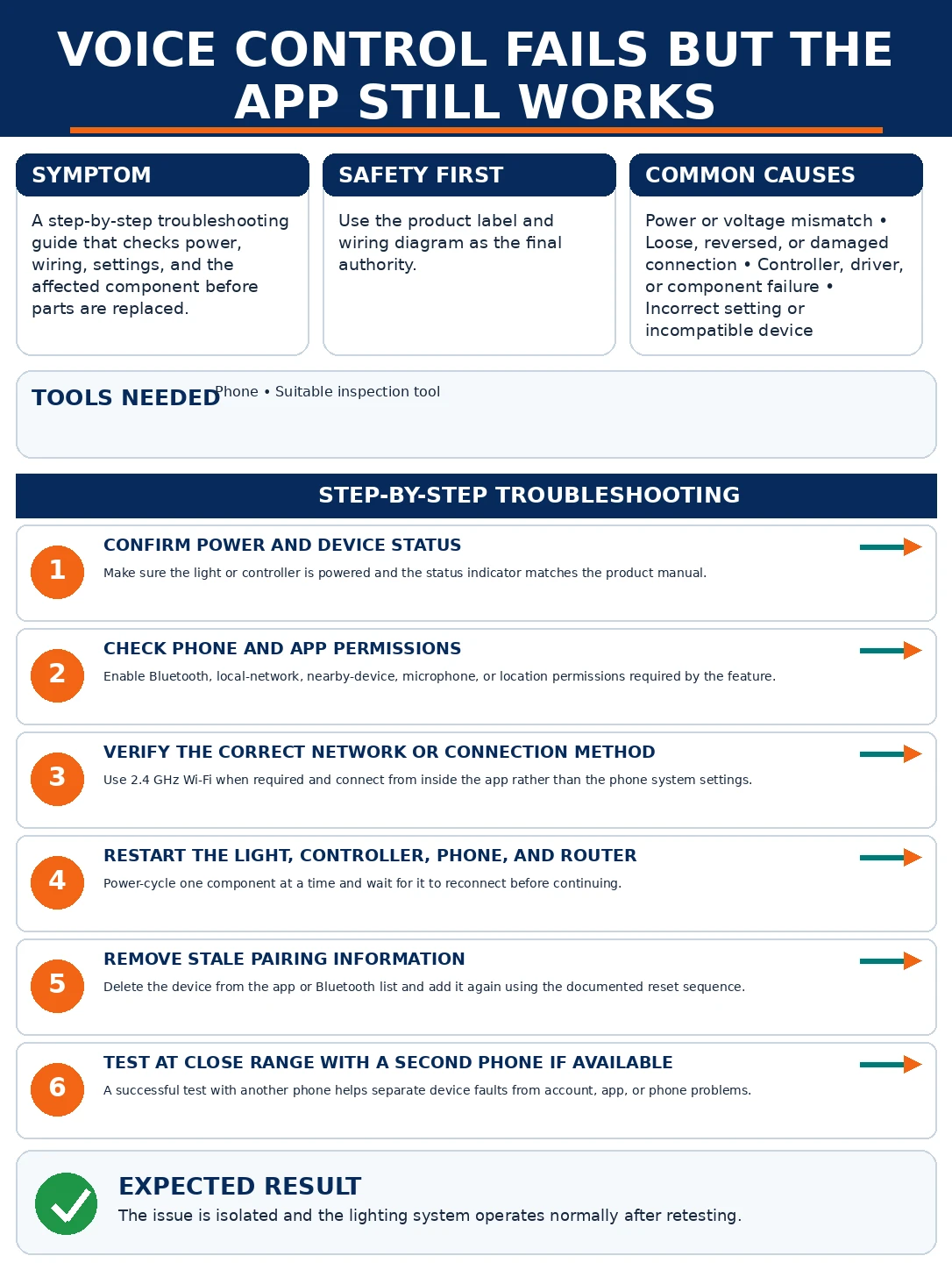
Prepare before testing
- The light's native app — the ground truth for online state
- The assistant's app (Alexa, Google Home, etc.) — where links, syncs, names and rooms are administered
- The brand account's credentials — re-linking requires the login nobody remembers
- A short test phrase discipline — one device, one simple command, judged by result — not by paraphrasing louder
Purely administrative. The only caution is deleting devices carelessly — removal from the assistant can orphan routines that referenced them; note routines before pruning.
Check these areas first
- Expired or broken account link. password changes and token expiries silently sever the skill connection
- Sync staleness. devices added or renamed in the brand app never propagated to the assistant
- Name collisions and tricky names. three devices answering to 'light', or names the speech engine mishears
- Wrong home or room assignment. the device lives in another 'home' or a room the phrase does not match
- Duplicate ghosts. old entries from previous setups shadowing the live device
Diagnostic procedure
Native app first, then the account link, then sync, then names, rooms and ghosts — each step assumes the previous one passed, which is what makes the sequence short.
Prove the light in its native app
Toggle the light from its own brand app. Instant response means device, network and brand cloud are healthy — pinning every remaining suspect inside the assistant's side of the chain. Sluggish or failed response here means the problem precedes voice entirely: solve the offline condition first and revisit.

Re-verify the account link
In the assistant's app, find the brand's skill or linked service and check its state. If it shows disconnected — or if a password change or brand-app migration happened recently — unlink and relink, signing into the brand account fresh. Expired tokens are the leading cause of whole-brand voice outages that native apps never notice.

Force a device sync
Trigger discovery explicitly: 'discover devices' by voice, or the sync/refresh action in the assistant's device screens. Confirm the specific light appears in the assistant's list with its expected name. New devices, renamed devices and re-paired devices all need this push on many platforms; automatic propagation is slower and flakier than its marketing.

Rename against collisions and mishearing
Audit names as the speech engine hears them: multiple devices called 'light', near-twins like 'desk light' and 'desk lamp', or clever names with numbers and puns. Rename to short, distinct, pronounceable labels — 'reading lamp', 'kitchen strip' — and retest the exact phrase. Naming fixes more daily misfires than any relink.

Fix home and room assignments
Check which 'home' and room the assistant files the device under: phrases like 'lights in the bedroom' operate on the assistant's room model, not the brand app's. Move strays into the correct home and room, and align room names with how the household actually speaks — the room label is part of the command vocabulary.

Purge duplicate ghosts
Scan the assistant's device list for grey twins — remnants of old pairings, hub migrations or the pre-relink era. Note any routines referencing them, delete the ghosts, re-sync, and rebind the routines to the live entries. Then run the household's three most-used commands as a regression test.

When commands fire but do the wrong thing
A separate failure family: the assistant hears correctly, responds confidently, and the wrong lights change. That is routine rot — automations and scenes built on old device entries, drifting names, or overlapping triggers ('movie time' defined twice, two years apart). The audit is worth an evening once a year: list every routine touching lights, delete the obsolete, and rebuild the survivors against current device names. Routines reference devices by internal identity, so renames usually survive — but deletions and re-pairs orphan them silently, and the symptom is always 'it does something weird', never an error message.
One brand, two assistants, three apps
Homes running Alexa and Google simultaneously — plus the brand's own app — multiply the chain: each assistant holds its own link, sync state and naming space. Two disciplines keep it sane: name devices once, in the brand app, and let both assistants inherit (never rename inside just one assistant); and when a brand account password changes, schedule the relink on both platforms the same day. Where a hub (Zigbee/Thread) sits under the brand app, its devices ride the same links — one relink per assistant still covers them, which is the quiet argument for hub-based lighting in multi-assistant homes.