
The default exists for wall switches; your nights pay for it
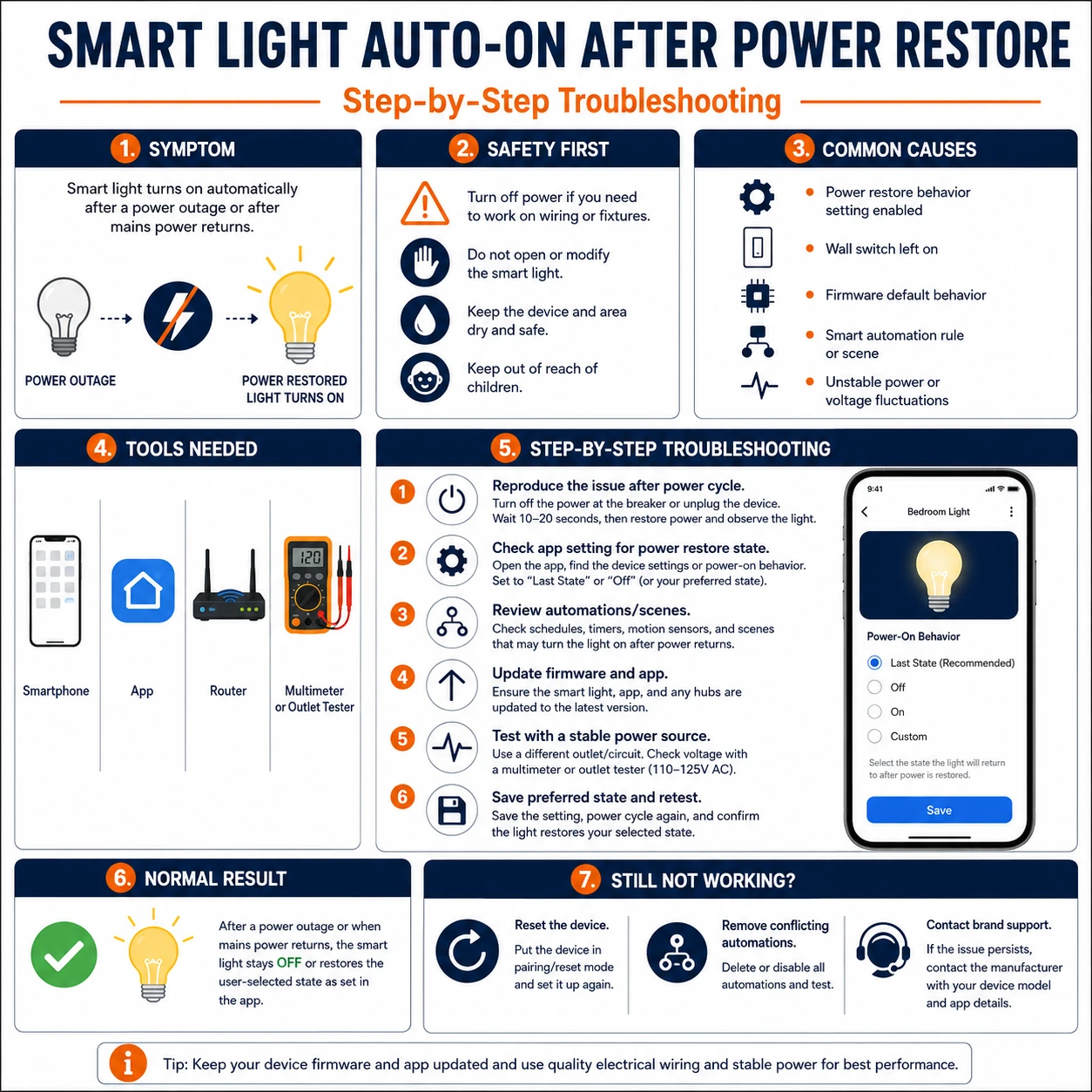
A smart bulb regaining power must decide what to do before any network arrives. Makers default to ON at full brightness for a sturdy reason — a bulb controlled by a plain wall switch must light when switched, network or not. But in a home where bulbs keep standing power, that same default converts every grid flicker into an all-rooms wake-up call. The remedy is the power-on behavior setting, present in most quality bulbs and hiding under names like power-on state, power memory, or power loss recovery.
The choice is per device and worth making deliberately: bedrooms want stay-off after an outage; hallways and stairs may want restore-last-state; a porch light might legitimately want always-on. Cheap bulbs lacking the setting can still be tamed — with automations or by accepting their character where it does no harm.
Prepare before testing
- Each brand's app, settings deep-dive — the option sits per-device, often under advanced or electrical settings
- A switchable socket or the light's own breaker — for a controlled ten-second outage test
- The household's automation platforms — device-online and power-restore triggers there can duplicate or fight the bulb's setting
- A notes file per room — the chosen policy per fixture, so future bulbs inherit it
Testing uses ordinary switching — no electrical work. Just avoid running outage tests while someone relies on the light in question, stairs especially.
Check these areas first
- Factory default of on-at-power. chosen for wall-switch compatibility, experienced as the 3 a.m. wake-up
- Settings scattered per brand. each ecosystem hides the option under a different name and menu depth
- Automations re-lighting devices. device-comes-online and 'power restored' rules fire after every outage
- Wall-switch habits. family members cutting power nightly guarantee a daily dose of the default
- Multi-platform duplication. the same bulb configured in two apps obeys whichever wrote last — confusingly
Diagnostic procedure
Find each device's setting, set policy per room, prove it with a real outage, then audit the humans and automations that can override it.
Locate the power-on behavior setting
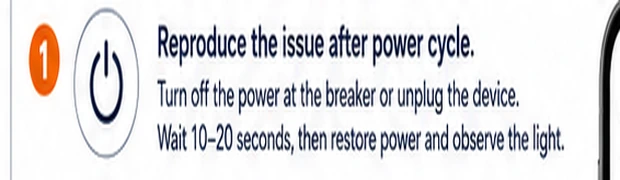
In each brand's app, open the device's own settings (not the room or scene screens) and hunt for power-on state, power memory, or power loss recovery. Depth varies — some brands bury it three menus down or gate it behind firmware updates. Note per brand where it lives; the household will need the map again.
Choose a policy per room, not per whim
Decide deliberately: bedrooms and nurseries — stay off after power returns; corridors, stairs and bathrooms — restore last state, so an outage mid-evening does not strand anyone dark; security and porch lights — possibly always-on. Write the policy in the room notes; consistency is what makes the household trust the lights again.
Apply and run a real outage test
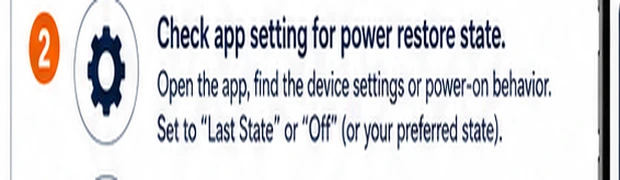
Set each device, then simulate: with the light commanded off but powered, cut its supply for ten seconds — socket switch, smart-plug override or circuit breaker — and restore. Watch the first thirty seconds. The bulb should follow its new policy; note any flash-then-off behavior, which some models exhibit harmlessly during boot.

Retire the wall-switch habit where it persists
A bulb that loses power nightly to a switch habit will re-run its power-on decision daily — even the right setting cannot make a cut-power bulb responsive. Where the habit is entrenched, add switch guards or notes, or migrate that room to a smart switch that never cuts the bulb's mains; the offline guide covers the architecture choices.

Audit automations that fire on recovery
Search every platform in use for rules triggered by device-comes-online, power restored, or presence re-evaluation — after an outage these fire in a burst and can relight rooms the bulb's own setting kept dark. Disable or condition them (time-of-day guards work well), keeping exactly one layer responsible for post-outage behavior.

Verify across a longer, whole-home cut
Finish with one whole-home rehearsal: main breaker off for a minute at a harmless hour, then observe the full restore — bulbs, hub reconnection order, and any automation burst. This catches interactions the single-device test misses, hub-dependent systems especially. Log the result beside the room policies.

Taming hardware that lacks power memory
Budget bulbs often lack any power-on option and boot bright, always. Three containments exist: put the automation platform in charge — a rule 'when device comes online between 22:00 and 07:00, turn it off within seconds' converts the flash into a blink; place such bulbs only where on-at-restore is tolerable (closets, porches, utility spaces); or accept the trade consciously in fixtures behind smart switches, where mains rarely cycles. The one place these bulbs never belong is a bedroom on a stormy grid — matching hardware character to room function costs nothing at purchase time and pays every outage.
Why some homes see this weekly
Rural lines, aging feeders and storm seasons deliver sub-second dips that most electronics ride through but that reset every LED driver in the house — smart bulbs then hold their power-on referendum weekly. Beyond bulb settings, resilience layers help: hubs and routers on a small UPS keep the control plane alive through dips (so restore-last-state bulbs get told their state promptly), and surge protection guards drivers that outage seasons stress hardest. If flickers are frequent enough to notice monthly, the settings in this guide stop the wake-ups — and the UPS stops the automation chaos that follows them.