
The app, the phone, the other phone, or the power
A missing controller is a four-way split. Power: the controller only advertises over Bluetooth when fed, and most kits are fed only at ACC. Phone: both Android and iOS gate Bluetooth scanning behind permissions that updates and battery savers silently reset. Competition: most controllers accept exactly one phone at a time, and yesterday's phone may still be it. Pairing method: these controllers connect inside their app — pairing at the OS Bluetooth menu first actually blocks the app on many models.
The order below is deliberate: everything phone-side costs nothing and fixes most cases, so the meter comes out last, not first.
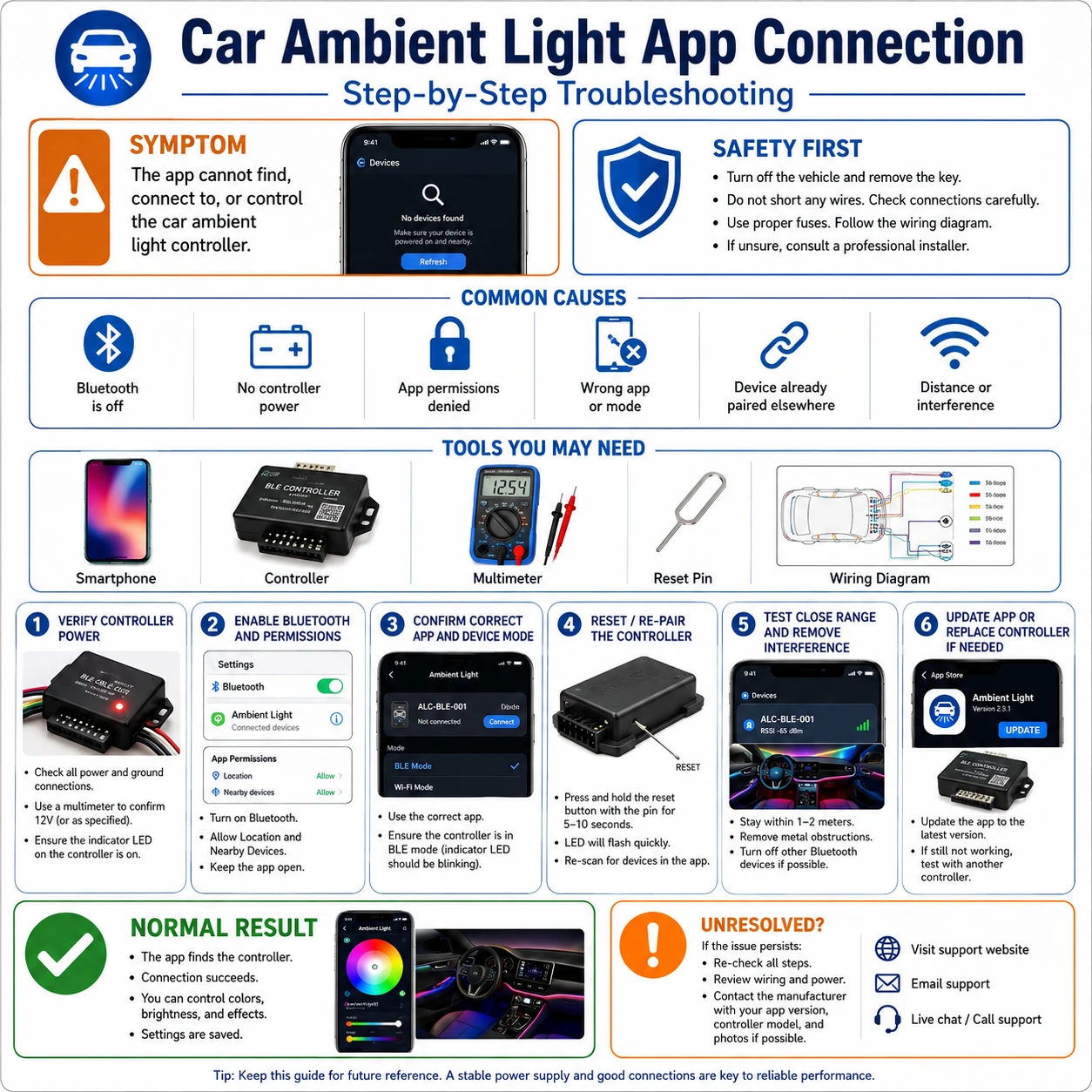
Prepare before testing
- The correct app for the controller — kits are rebranded; the manual's QR code names the app that actually speaks this controller's protocol
- A second phone (borrowed is fine) — the fastest way to split phone problems from controller problems
- Digital multimeter — one input-voltage reading, only if the phone-side steps all fail
Nothing here is hazardous. Just avoid deleting the controller from the app if your kit stores custom zone layouts — note the configuration first.
Check these areas first
- Controller unpowered at this key state. no ACC, no advertisement — the app cannot find what is asleep
- Missing nearby-device or Bluetooth permission. OS updates and battery optimizers revoke or restrict background Bluetooth quietly
- Connection slot held by another device. one-phone-at-a-time firmware is the norm; the old phone wins silently
- Paired at OS level instead of in-app. system pairing claims the controller and hides it from the app on many chipsets
- Genuinely dead controller. confirmed only after power is proven present and a second phone also finds nothing
Diagnostic procedure
Phone-side first, hardware last: each step is a minute or less, and the controller is only declared dead after step six proves it powered and invisible.
Power the controller — key at ACC
Turn the key to ACC (or start the car) and check for any sign of life from the kit: a status LED on the controller, a brief startup flash of the strips. A controller with zero indication at any key state is a power problem, not an app problem — jump to the final step's voltage check.
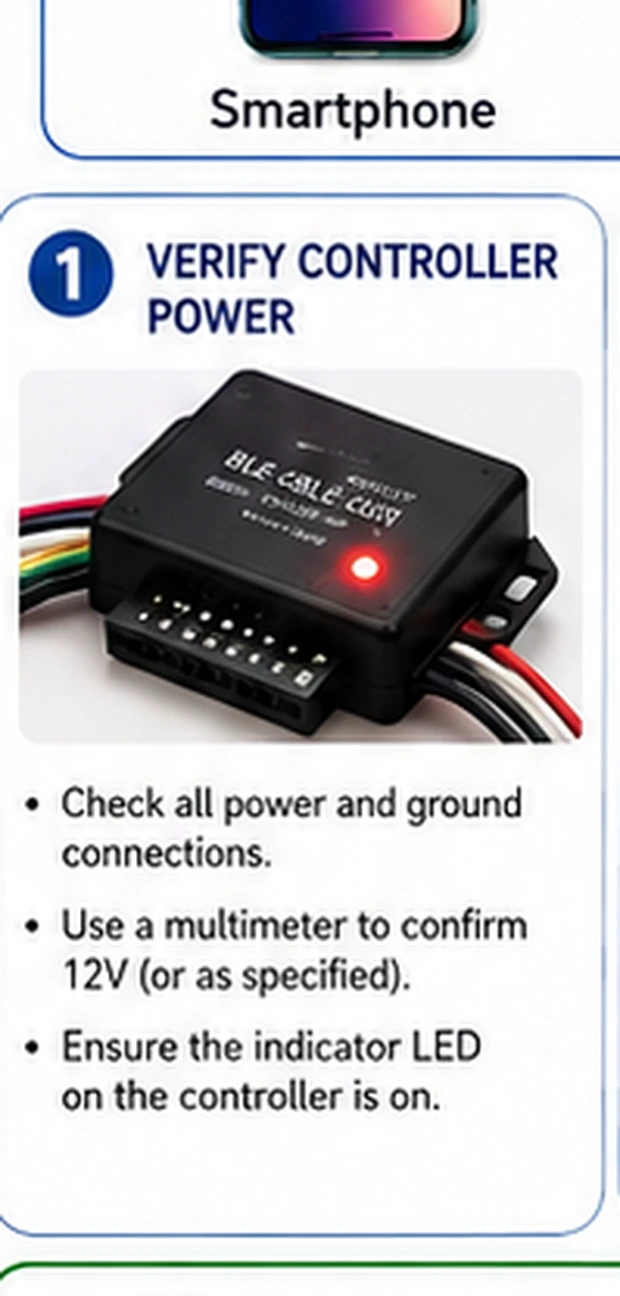
Scan inside the app, not the system menu
Open the kit's own app and use its add-device or scan screen. If the controller ever appears in the phone's system Bluetooth list, do not tap it there — un-pair it at system level if already claimed, then let the app do the discovery. In-app scanning uses the maker's protocol; the OS menu often just gets in the way.
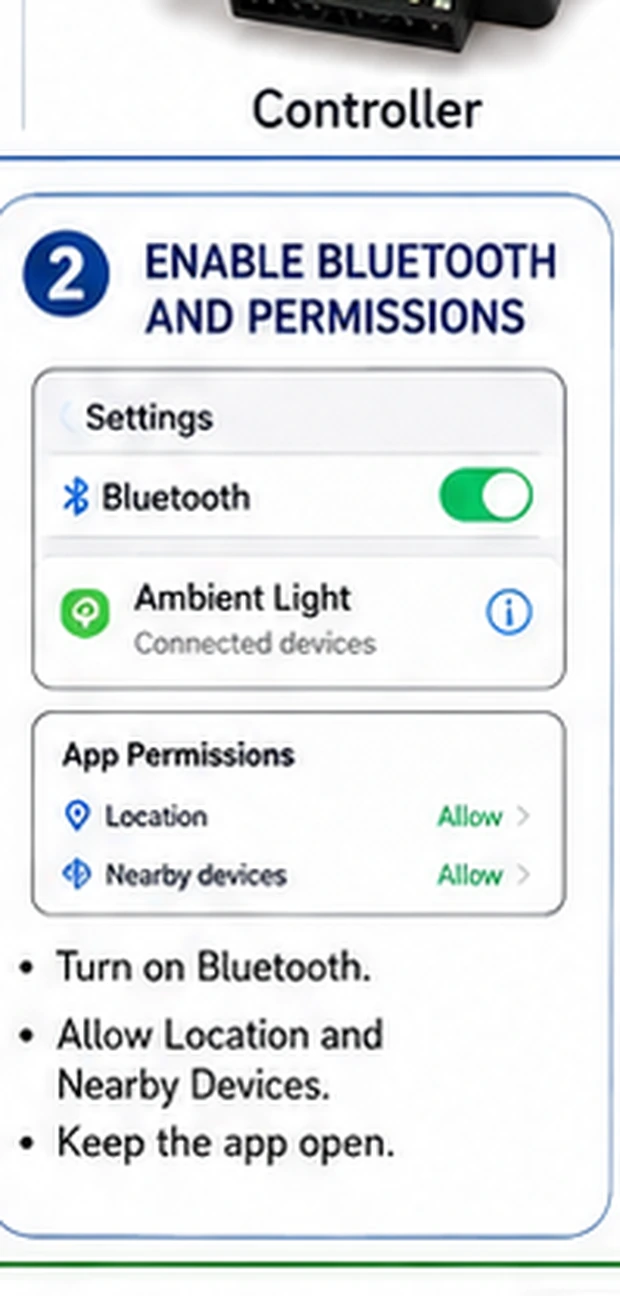
Grant the permissions scanning depends on
Android: the app needs Nearby devices (and on older versions, Location) allowed, with battery optimization off for it. iPhone: Settings → the app → Bluetooth toggled on. Then force-close and reopen the app. A denied permission does not error — scanning simply comes back forever empty.
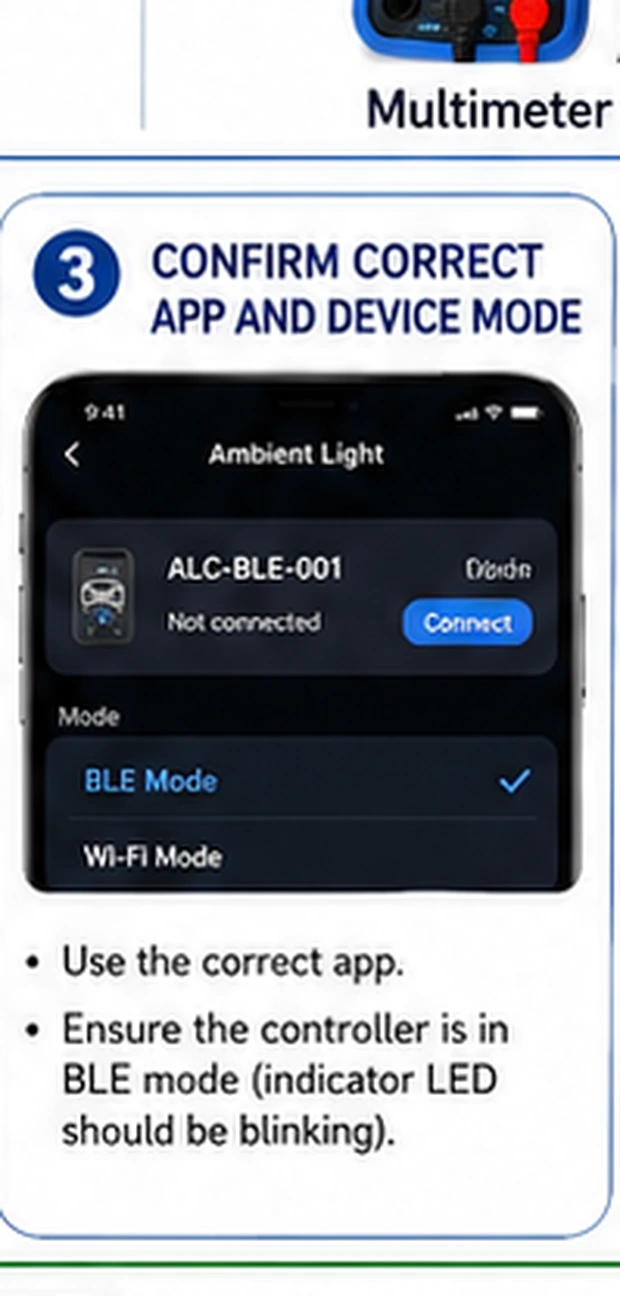
Disconnect every other phone
Turn off Bluetooth on any phone that has ever controlled this kit — the spouse's, the previous owner's profile, your old handset in a drawer. With the slot free, scan again. If the controller appears the moment a particular device goes dark, you have found your saboteur and your household needs a policy.
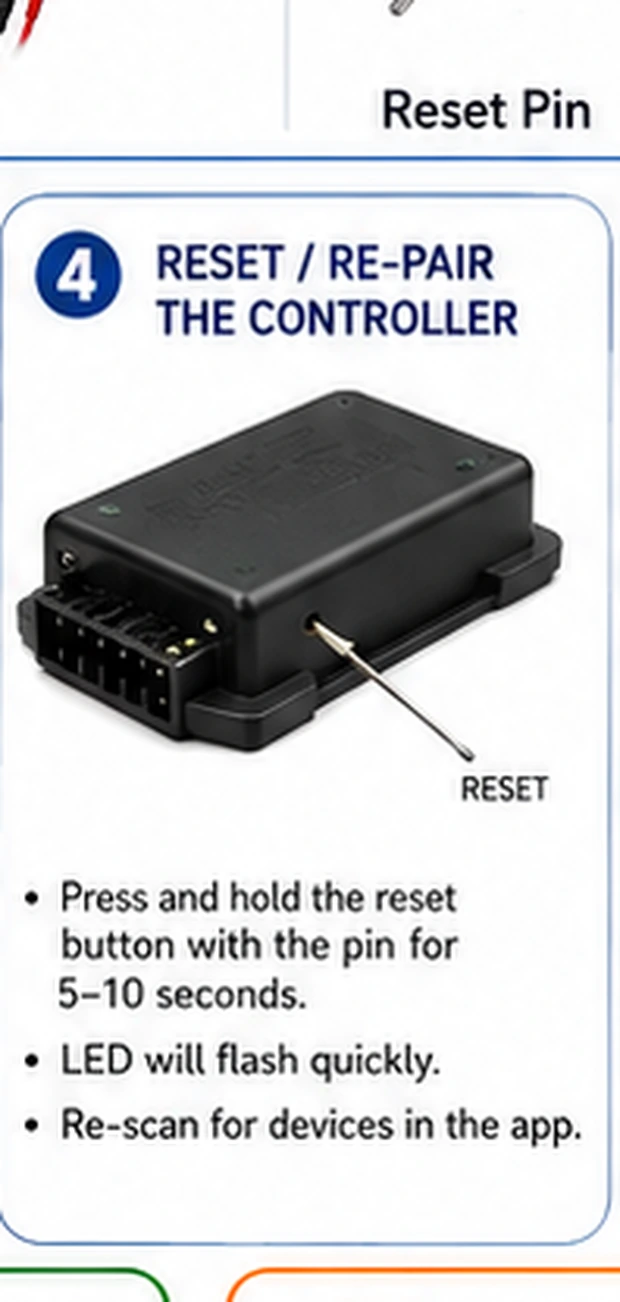
Power-cycle both ends, close together
Hold the phone within a meter of the controller. Kill power to the controller for ten seconds — key off and door closed, or pull its fuse — then restore and scan during the first minute, when advertising is most aggressive. Simultaneously toggling the phone's Bluetooth off and on clears the phone's stale scan cache.
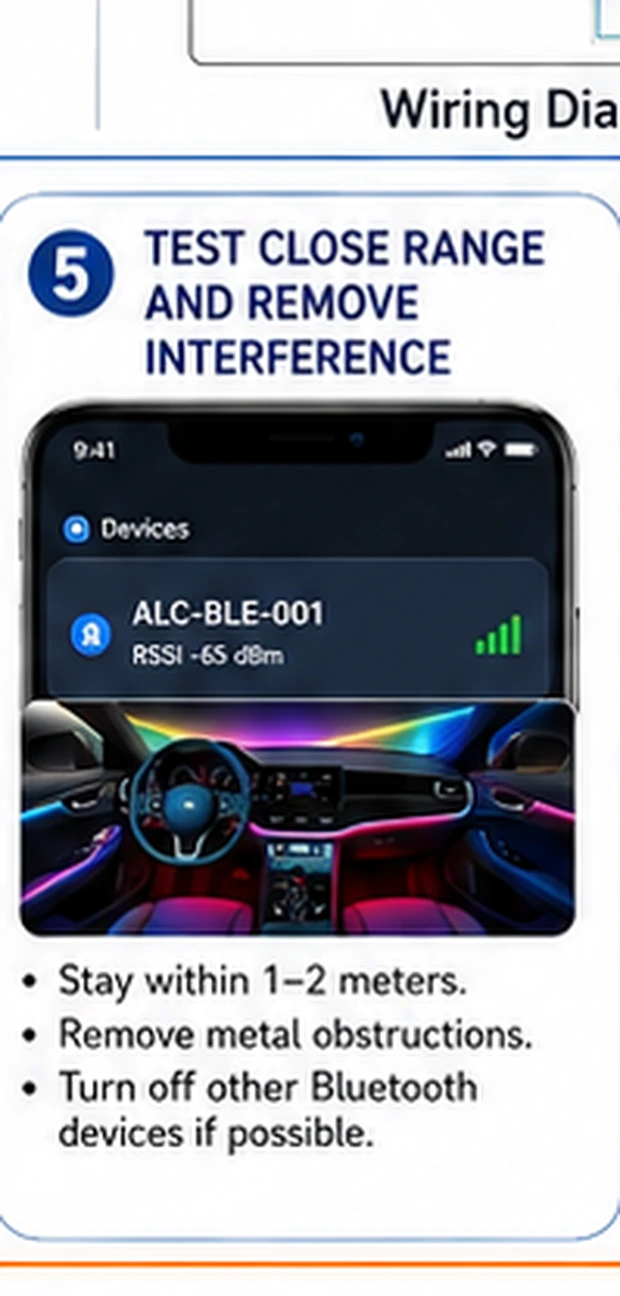
Measure controller input voltage
If it is still invisible, prove the power question with the meter: supply pin to ground at the controller's input, key at ACC — expect ~12 V. Voltage present, and a borrowed phone also finds nothing: the controller's radio is dead; replace the unit. No voltage: the feed, fuse or ground has failed — a different guide, and a happier repair.
Rebranding, region locks and the wrong-app trap
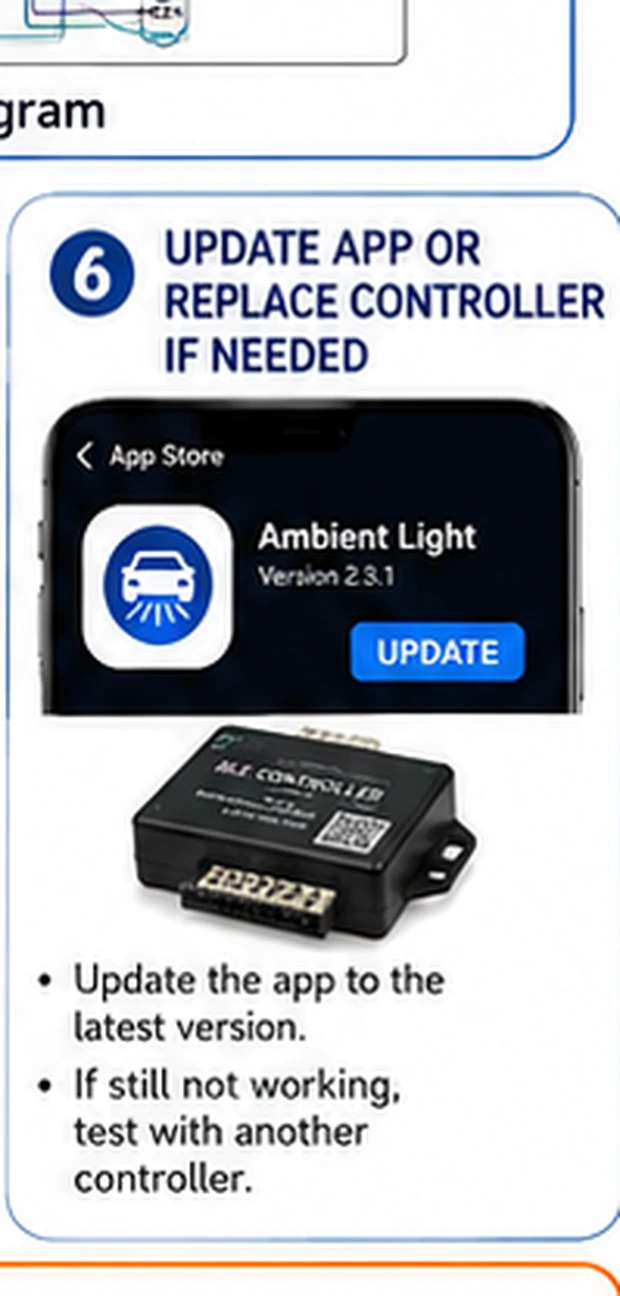
The same physical controller ships under many brand names, each pointing at a specific app — and sometimes at different apps across production years. Scanning with a lookalike app from the store's search results is a common dead end: the protocol handshake fails and the list stays empty even though the radio is advertising. Install exactly the app the paper manual or box QR names, and keep it updated; controller firmware and app protocol move together on these kits.
Living with a single connection slot
Most budget controllers hold one bond and drop discovery while it lives. Households that share a car fight this constantly. The workable pattern: pick one primary phone, and on every other phone either keep Bluetooth off in the car or remove the kit's app. Some apps offer a share or guest mode that hands the slot over cleanly — worth setting up once instead of re-pairing in a parking lot monthly.